TRITON GOTO - ONSTEP Integrated PC Control Platform
TRITON GOTO for Windows is a brand-new control application for ONSTEP, designed to deliver a better experience for astronomy enthusiasts building equipment based on ONSTEP.
TRITON GOTO features a more modern UI/UX design, a more stable connection experience, and a richer feature set, with full compatibility for both ONSTEP and ONSTEP X.
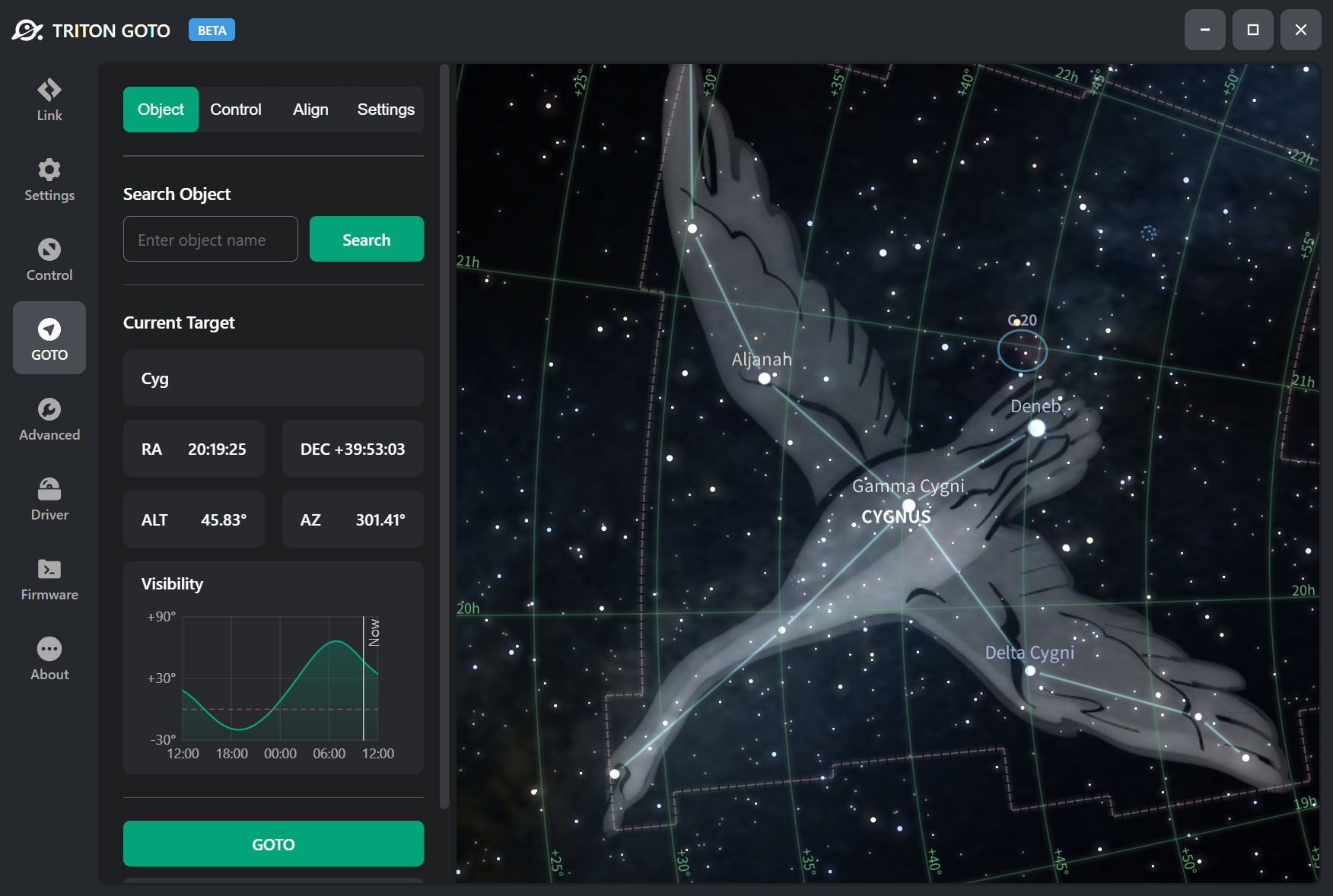
Built-in Star Map Engine
We innovatively integrated a star map engine directly into the app, eliminating the pain point of switching back and forth between multiple tools to control a telescope. Now, all essential control workflows can be completed within a single application.
Full Control Support
The application provides multiple connection options, including USB serial, Wi-Fi, and Bluetooth. It supports both direct connections and ASCOM global connections, and covers regular ONSTEP settings, GoTo slewing, three-star alignment, polar alignment, shutter control, advanced configuration, and more. With a clean interface and simple operation, it is currently one of the most feature-complete ONSTEP control programs on PC.
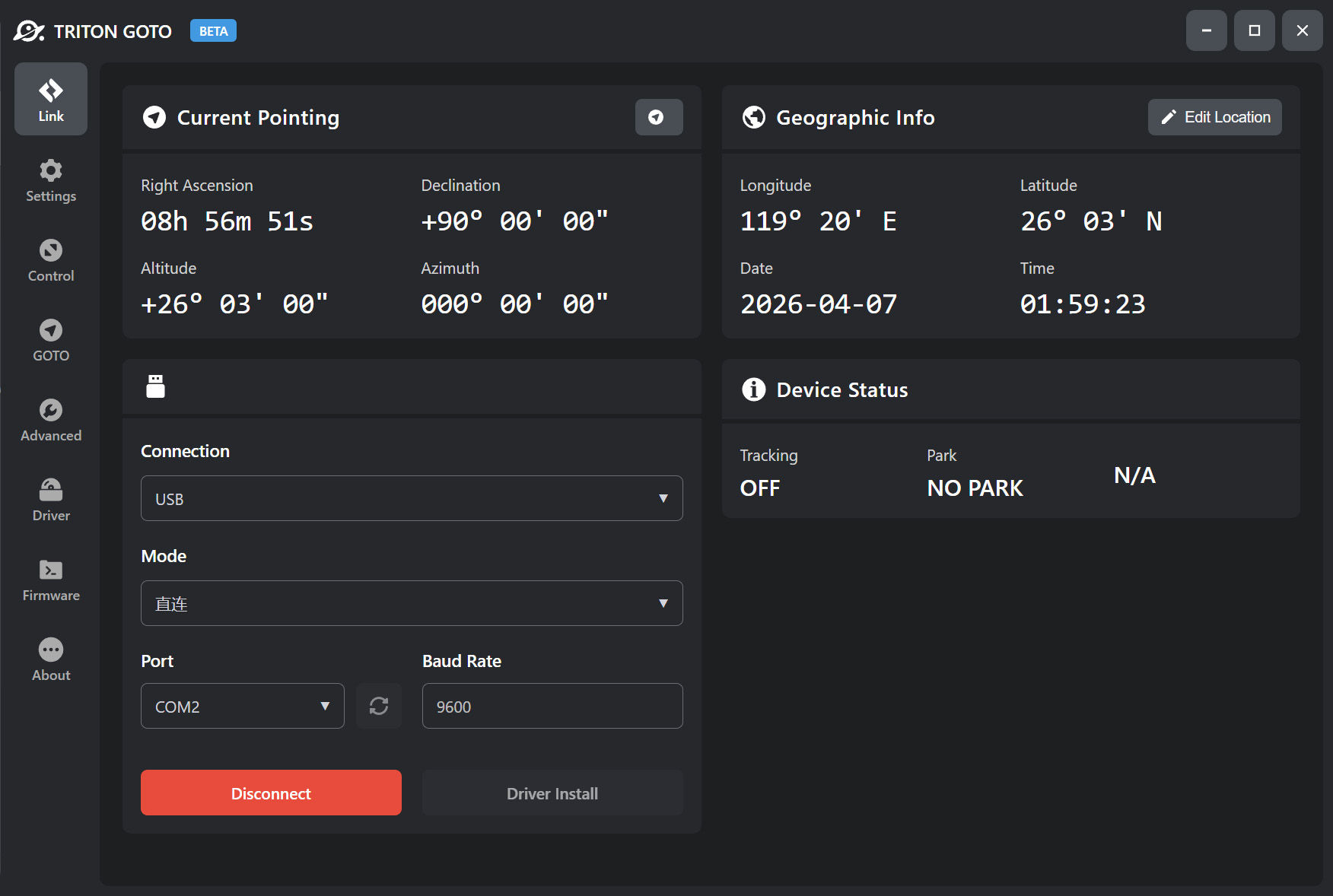
Home Page
Displays standard telescope information, including current equatorial and horizontal coordinates, so users can quickly check the current device status.
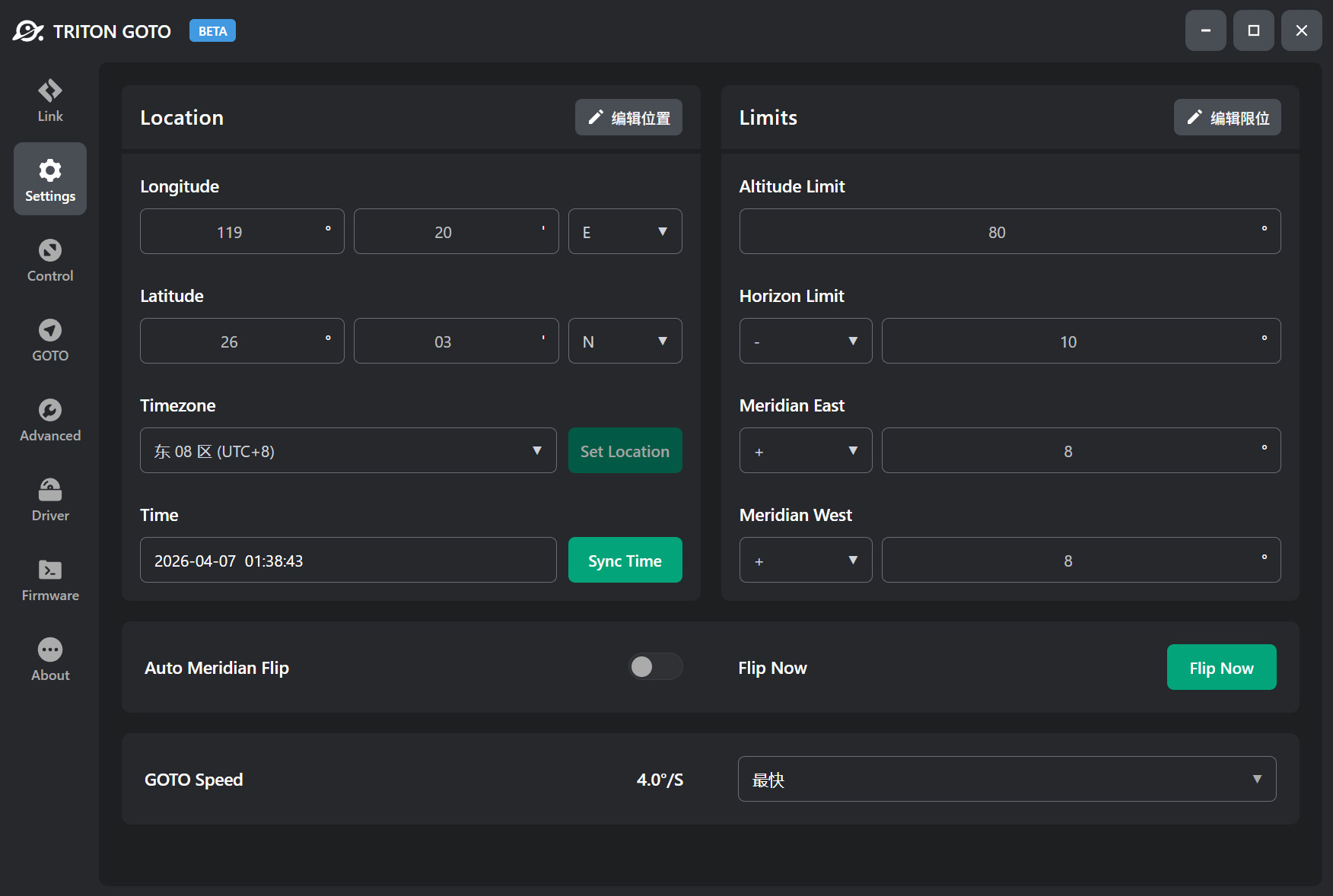
Settings Page
Used to configure location-related information for the device, as well as limits, meridian flip, and GoTo speed settings. It also supports obtaining location data over the network.
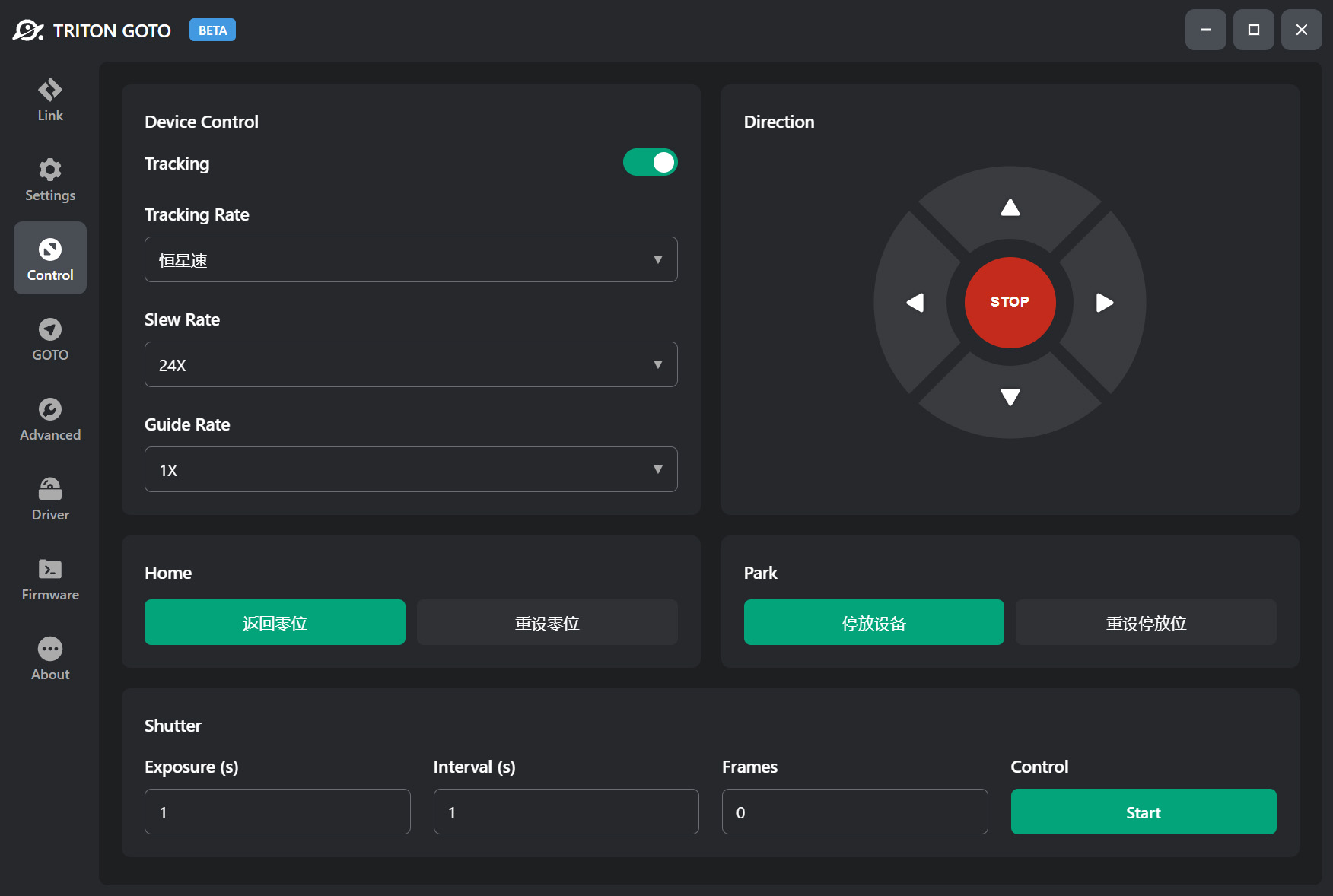
Control Page
Used to control device status, such as starting/stopping tracking, setting tracking rates, and managing zero-position and park-position controls and settings.
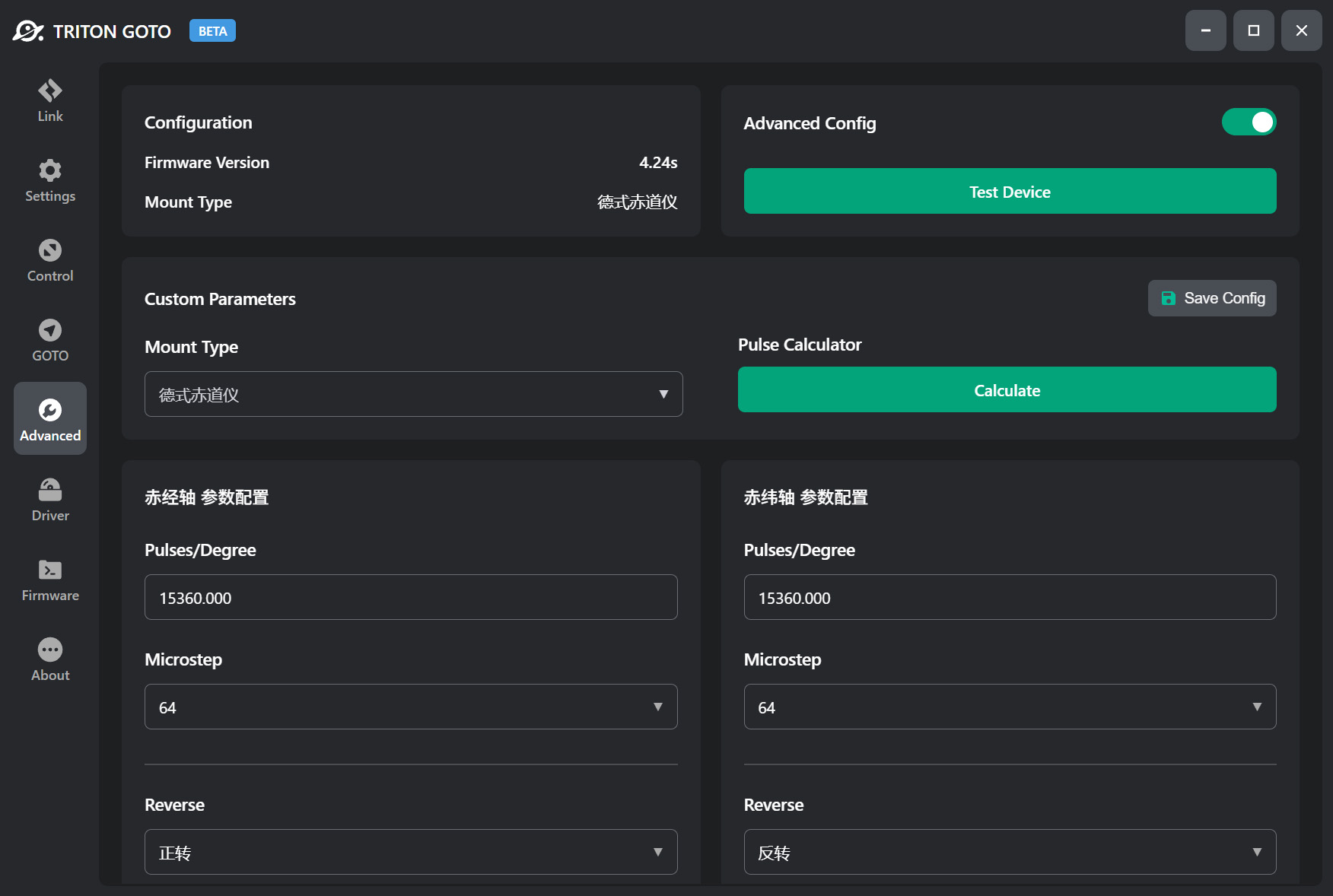
Advanced Configuration Page
Designed for DIY users to manually configure drive parameters, such as pulses per degree for each axis, motor microstepping, drive current, and motor direction.